Themes
Pick a color theme for Termul, in a light or a dark version.
A color theme sets the colors of the whole app, terminals included. Termul has ten theme families. Each family has a dark version and a light version.
Open the theme picker
Use one of these:
- Press
Ctrl+Alt+T(Cmd+Option+Ton macOS). - Select the Color themes button (the palette icon) at the bottom of the sidebar. The button shows when the sidebar is expanded.
- Press
Ctrl+Kand choose Change Color Theme.
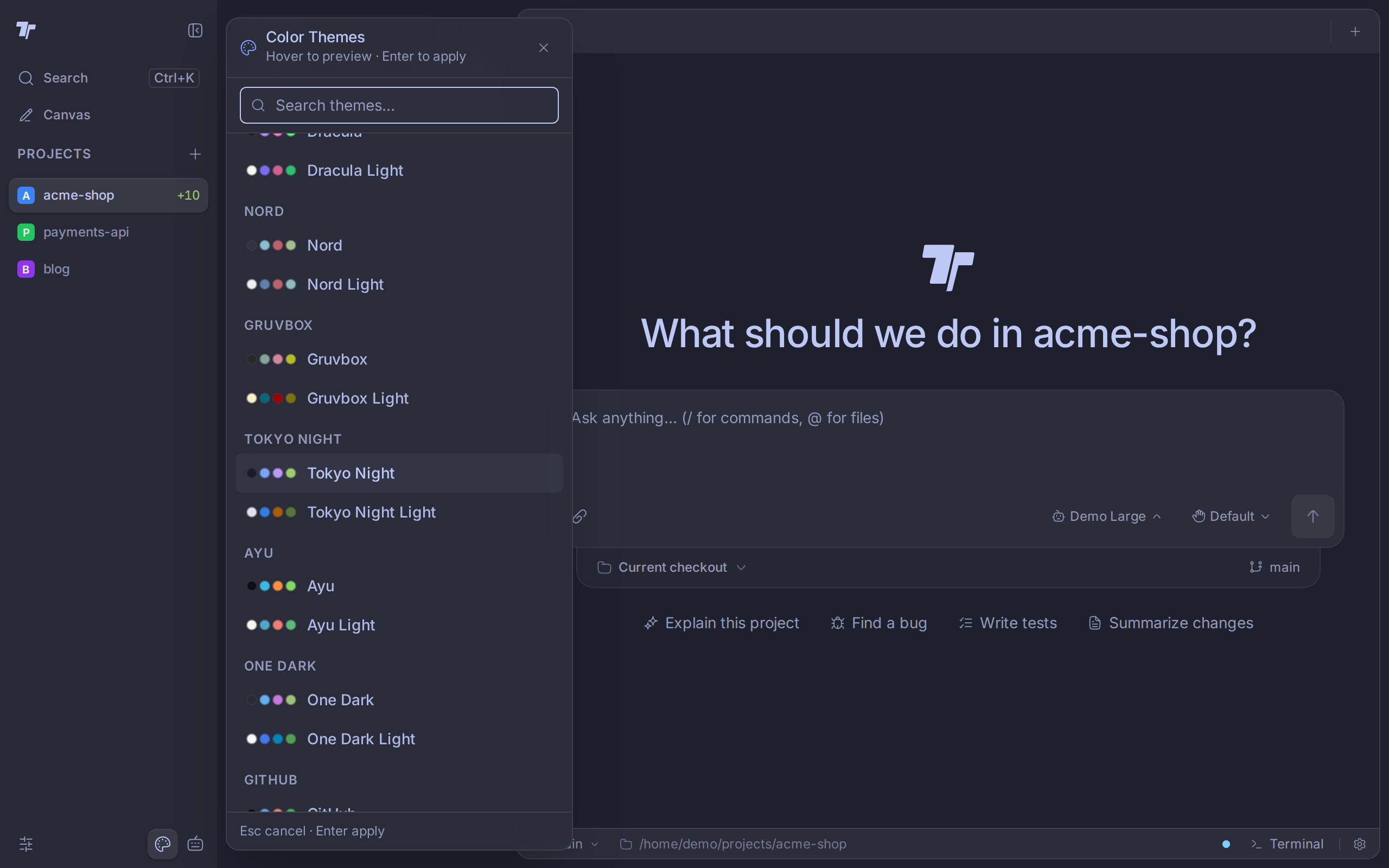
Pick a theme
- Open the theme picker.
- Move the pointer over a theme, or use the arrow keys. The app shows the theme right away as a preview.
- Click the theme or press
Enterto apply it.
To find a theme by name, type in Search themes.... To close the picker and keep your old theme, press Esc. A check mark shows the theme that is applied now.
Choose light or dark
Each family is listed twice: once by its name, for the dark version, and once with Light after the name. To switch to a light theme, pick a row that ends in Light, such as GitHub Light.
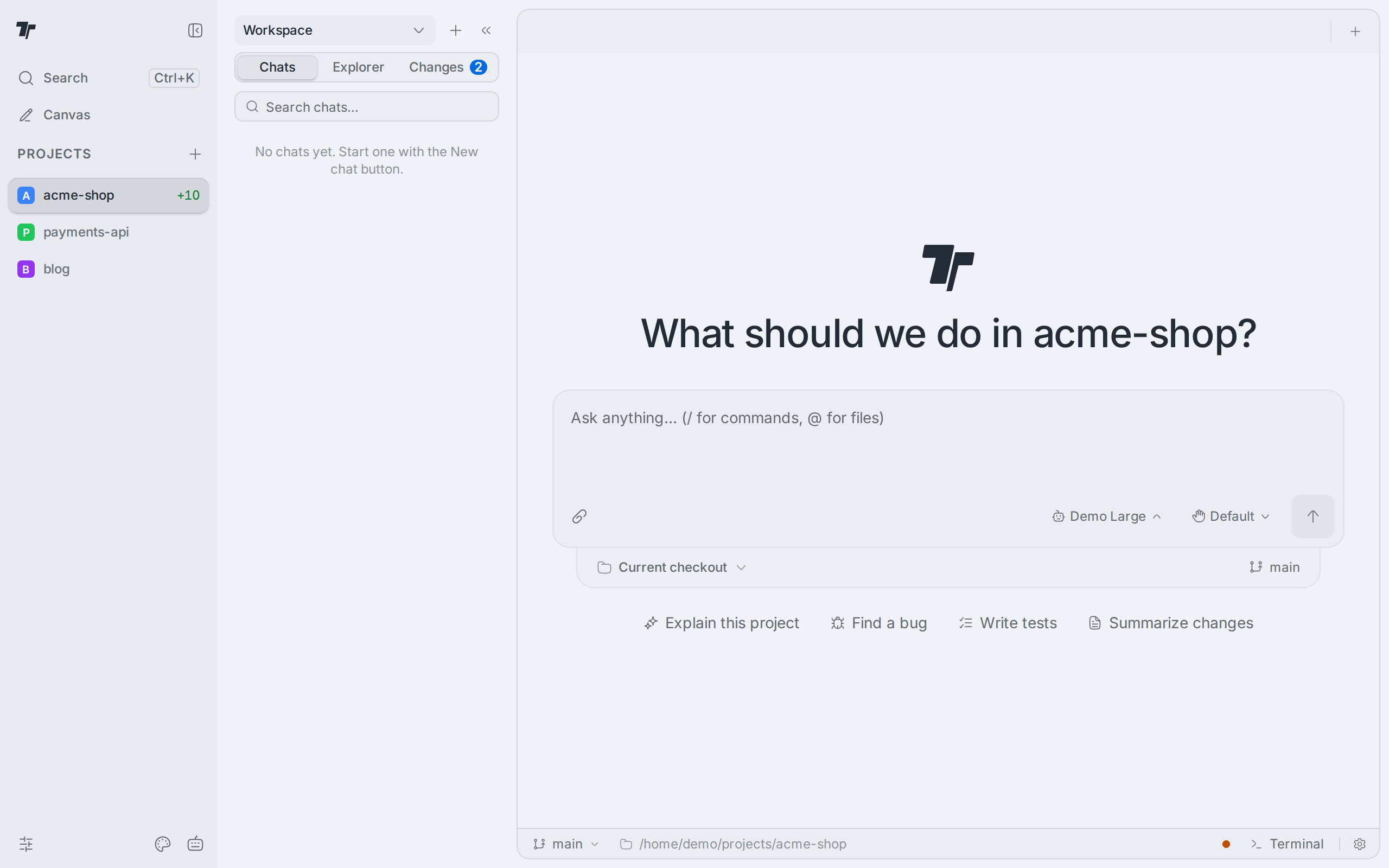
Termul does not follow the light or dark mode of your operating system. The theme you pick stays until you pick another one.
Theme families
The default theme is Termul, dark. These are the families:
- Termul
- Cursor
- Catppuccin
- Dracula
- Nord
- Gruvbox
- Tokyo Night
- Ayu
- One Dark
- GitHub
To change the color of one project in the sidebar instead, see Project settings.