Welcome to Termul
Termul keeps the terminals, agent chats, files, and Git tools for each of your projects in one window.
Termul is a workspace for your coding projects. Each project gets its own terminals, chats with AI coding agents, file explorer and editor, and Git tools. You can keep many projects open and switch between them. A project you leave keeps running in the background.
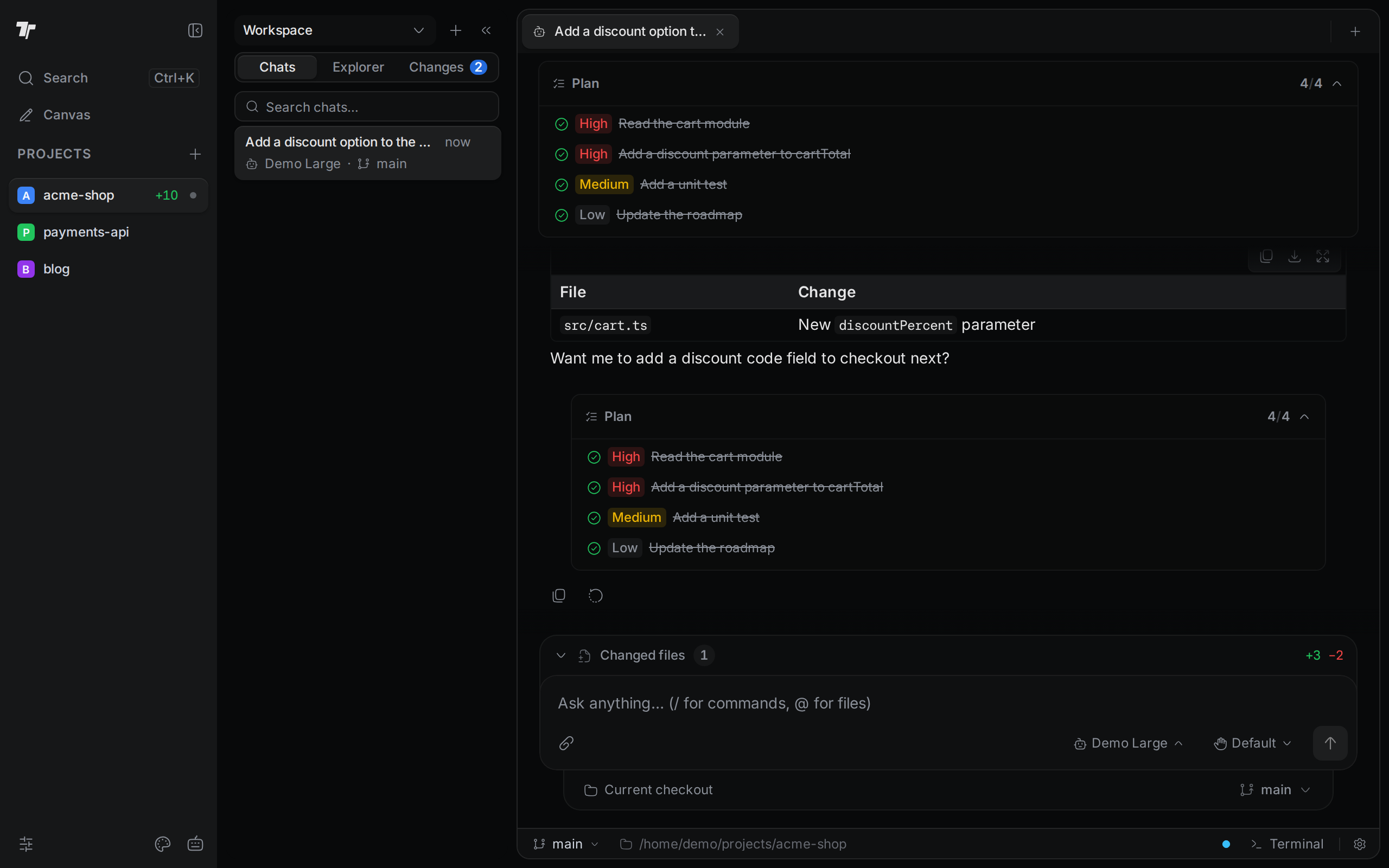
Three ways to use Termul
- The desktop app runs on macOS, Windows, and Linux. It is called Termul Manager. See Install Termul.
- In a browser.
termul-serverruns Termul on a Linux machine, such as a home server or a cloud computer. You open it in a web browser from anywhere. The terminals, agents, and files stay on the server. See Browser and phone. - On your phone. Open the browser version on your phone, and Termul switches to a layout made for small screens. The desktop app can also share a view-only link to itself. See Browser and phone.
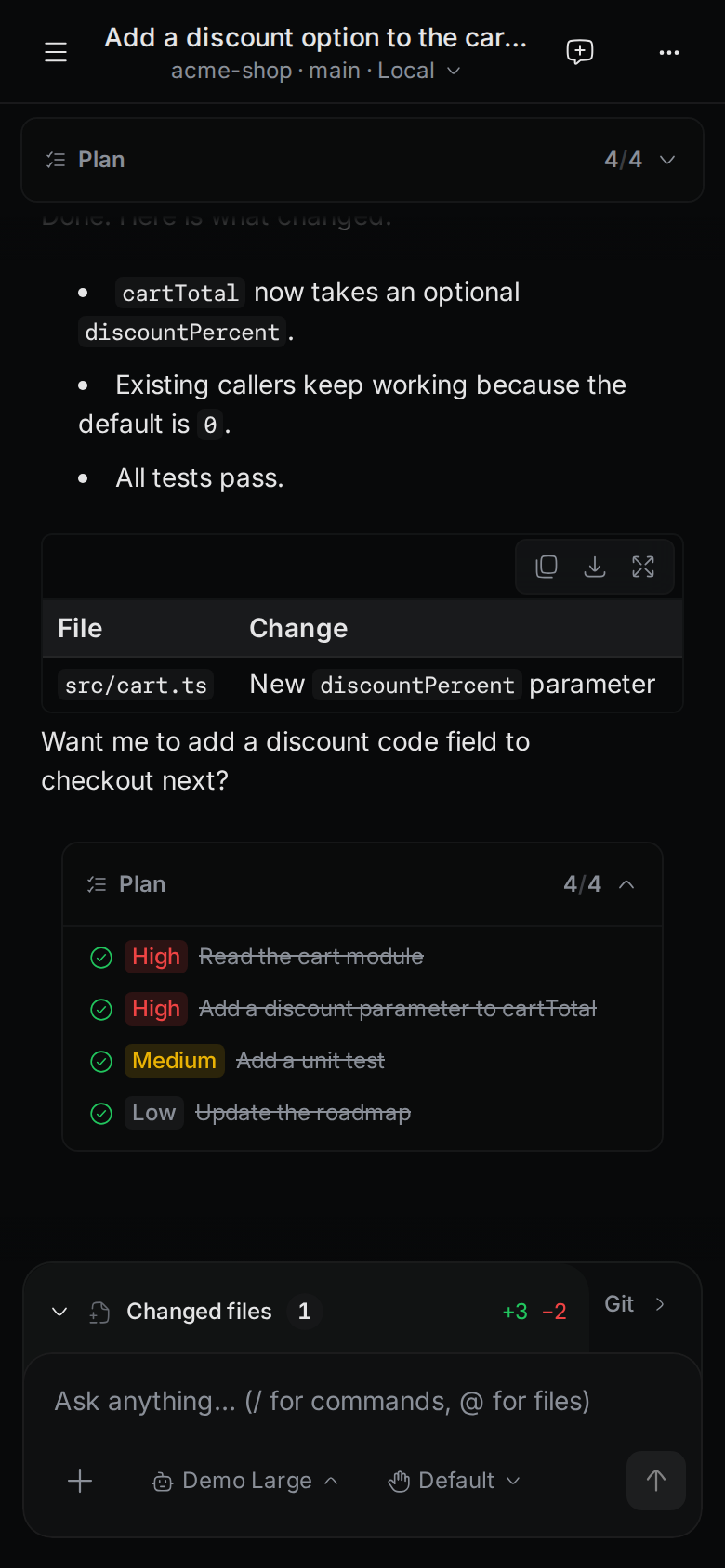
The desktop app and the browser version look and work almost the same. Where a feature works in only one of them, these docs say so.
Find your way
Getting started
Install Termul, create your first project, and learn the window, the command palette, and the keyboard shortcuts.
Terminals
Open terminals, split panes, and save your terminal layout.
Files and editor
Browse, search, and edit the files in your project.
Git
Stage and commit changes, switch branches, read history, and work in worktrees.
AI agents
Chat with AI coding agents, approve what they do, and review their changes.
Agent setup
Install agents, sign in, and add MCP servers and skills.
SSH and SFTP
Save SSH hosts, open remote shells, and browse remote files.
Browser and phone
Run Termul on a server, or reach your desktop from a browser or phone.
Browser and canvas
Open web pages inside Termul, mark them up for agents, and open the design canvas.
Settings
Change themes, shells, shortcuts, and project settings.
Troubleshooting
Fix common problems and find the logs.
Get help
Report a problem or ask a question on GitHub issues. Release notes are on the GitHub releases page.