Files and editor
Files and editor
Browse your project's files, edit code, and read Markdown without leaving Termul.
Termul has a file explorer and an editor built in. You can find a file, change it, and save it next to your terminals and agent chats.
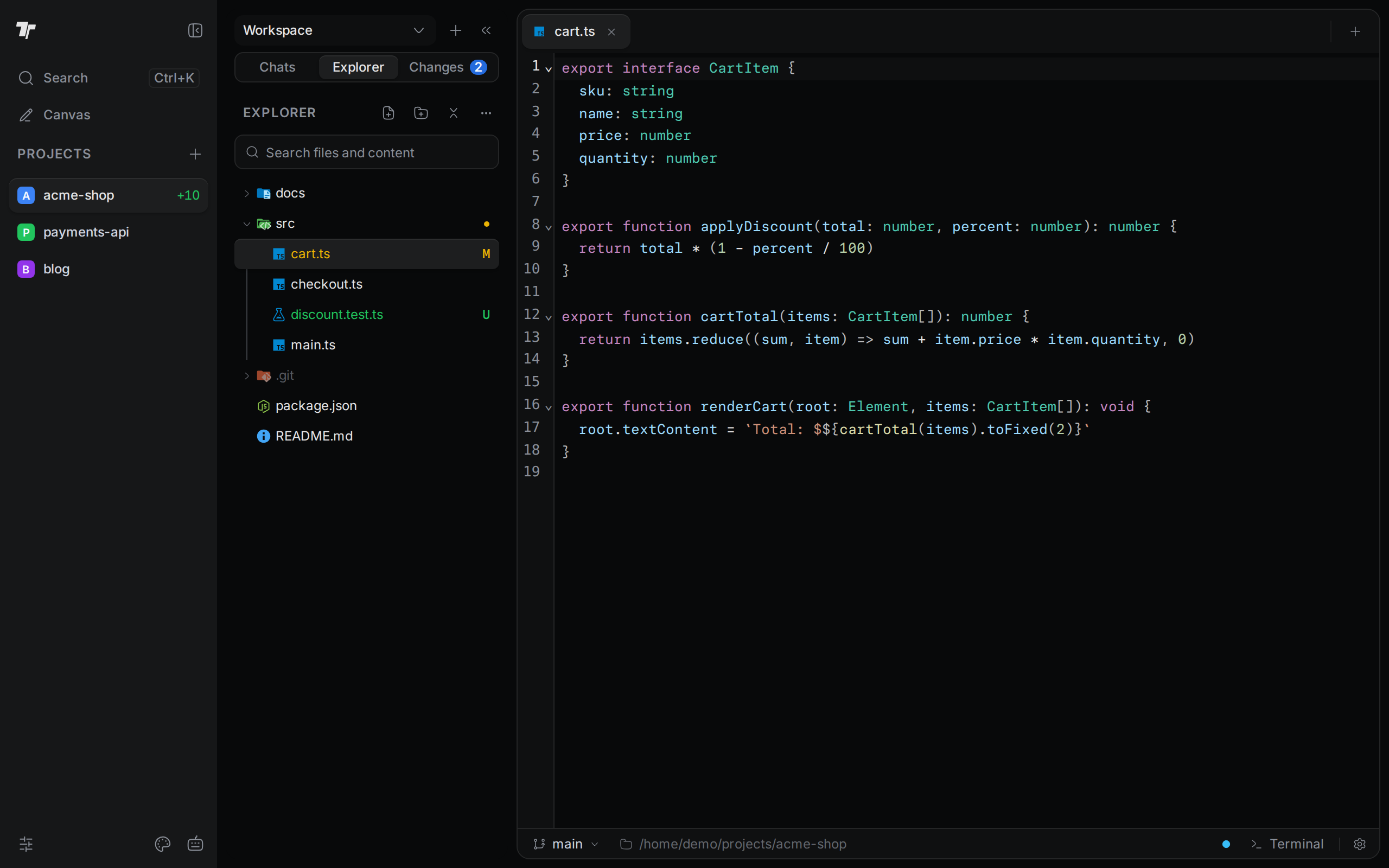
Browse and manage files
Open the explorer, read the git colors, and create, rename, move, or delete files.
Search files and content
Find a file by name or find the lines that contain a word.
Edit and save code
Open a file, save it, turn on auto save, and handle changes made outside Termul.
Work with Markdown
Switch between Preview and Source, jump with the outline, edit properties, and view diagrams.