Browser and phone
Reach Termul from another computer's browser or from your phone.
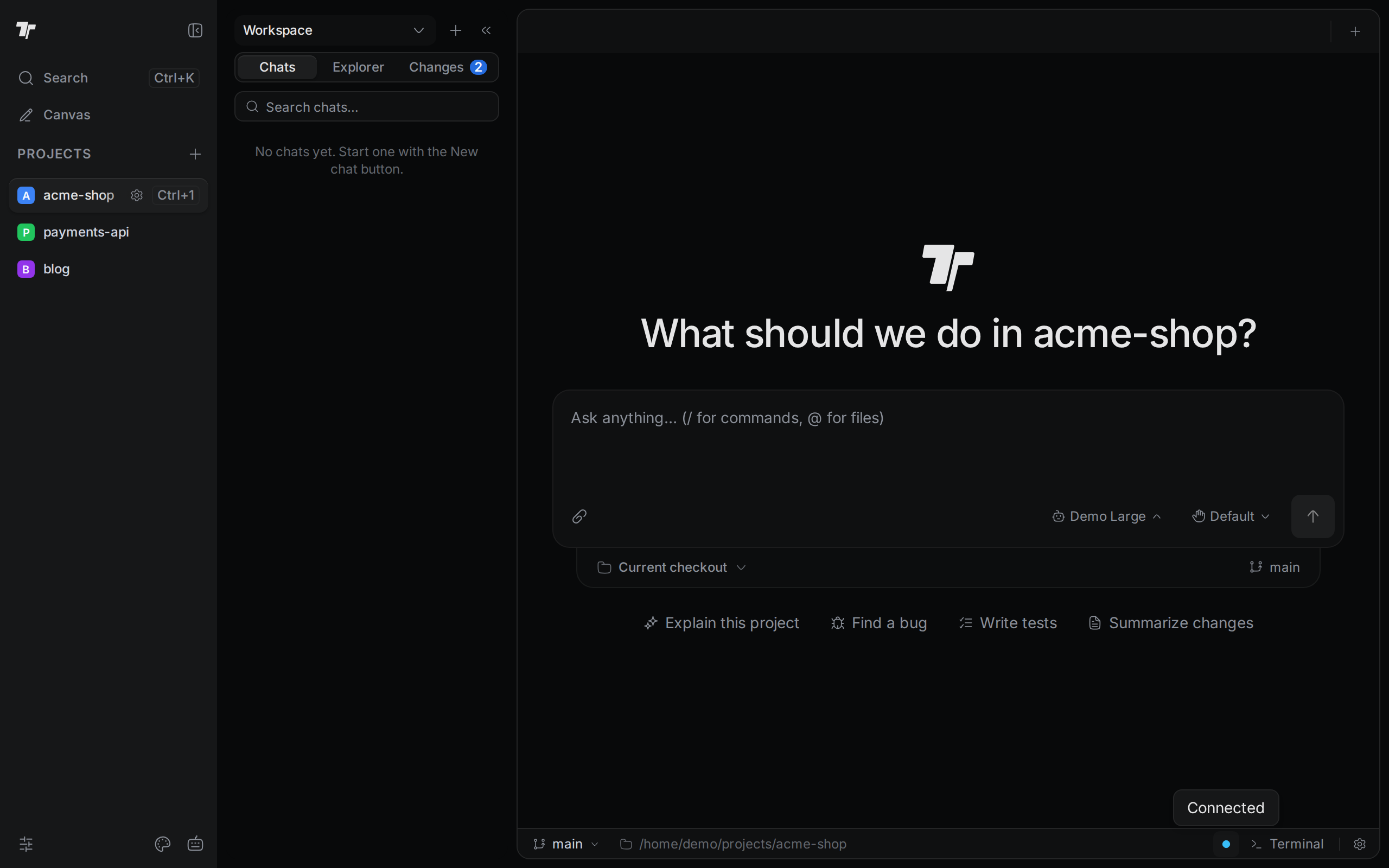
You can open Termul in a web browser on another device, including your phone. The browser shows the same projects, chats, terminals and files as the app on the machine that runs them.
Pick a way to connect
There are two ways to reach Termul from another device.
| Share your desktop app | Run termul-server | |
|---|---|---|
| What runs the work | The Termul desktop app on your computer | A small server program, often on a Linux machine or in Docker |
| How you connect | Scan a QR code or open a private link | Open the server's address in a browser |
| Setup | One switch in the status bar, plus the cloudflared program | Install the server, then start it |
| What the other device can do | Watch your chats and terminals | Everything, once you allow it (see Allow changes from other devices) |
| Stays up when your computer sleeps | No | Yes, if the machine stays on |
Share your desktop app when you want to check on your agents from your phone for a while. The link works from any network, and you don't have to install anything on a server.
Run termul-server when you want Termul to be available all the time, or when your projects live on a remote machine. It is the only way to work fully from a phone or another browser: send prompts, answer approvals, open terminals and edit files.
In this section
Share your desktop app
Open your desktop sessions on a phone with a QR code.
Install and start termul-server
Download the server, run the setup wizard, or use Docker.
Server options
Flags, the access token, remote changes, reverse proxies and updates.
Use Termul in a browser
The token screen, the connection light, and what differs from the desktop app.
Use Termul on a phone
The phone layout, terminal keys, files, git and approvals.
Install as an app and get notifications
Add Termul to your home screen and turn on alerts.