AI agents
Chat with an AI coding agent that reads, edits, and runs code in your project.
An agent is an AI coding tool, such as Claude Code, Codex, or Gemini CLI. Termul starts the agent for you and gives it a chat window. You ask for a change in plain words. The agent reads your files, edits them, and runs commands in your project. You watch each step and approve the risky ones.
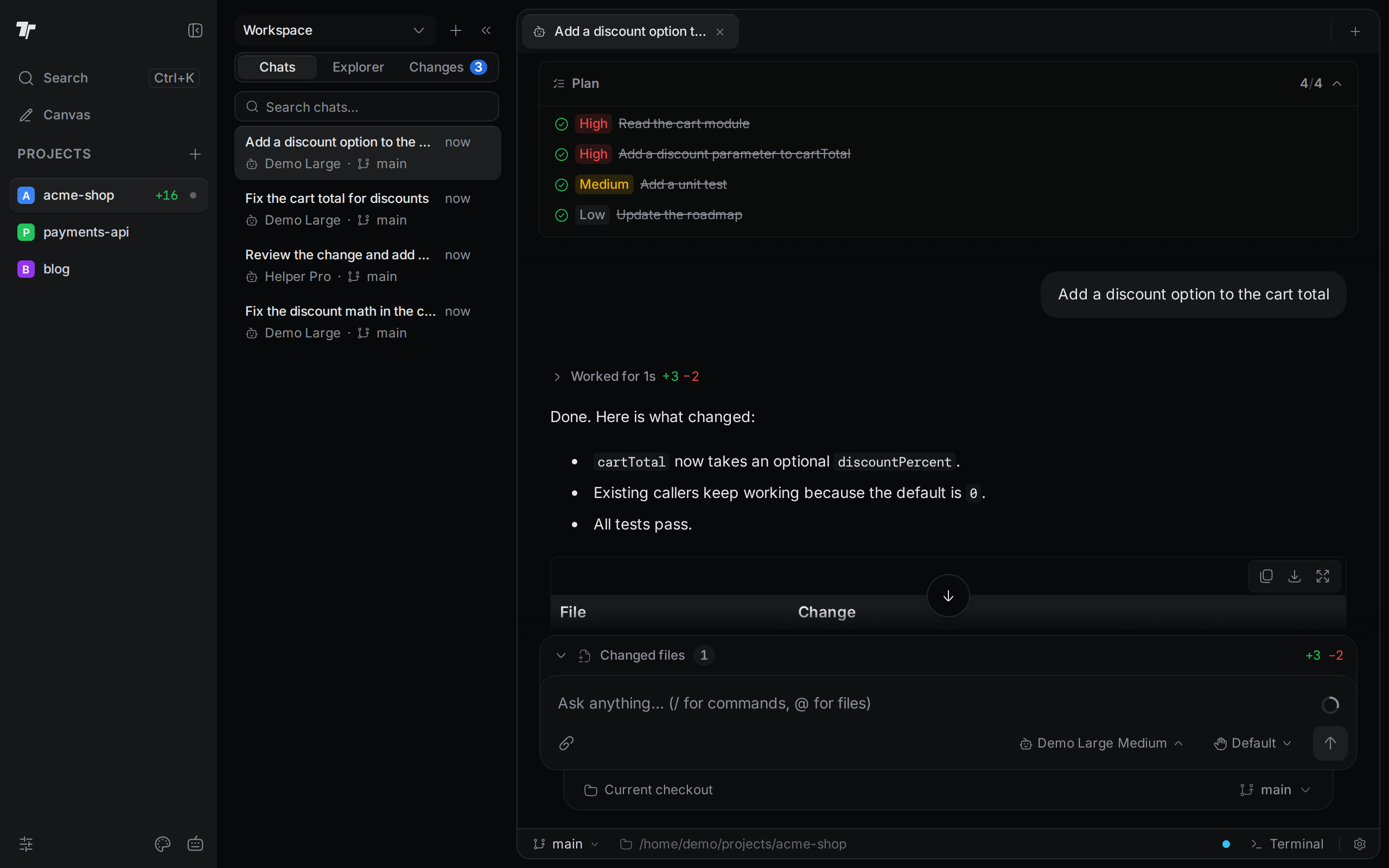
Each chat belongs to a project. A chat keeps running when you switch to another project or tab, so you can start a long task and come back to it later.
To install an agent, sign in to it, or give it MCP servers and skills, see Set up agents.
In this section
Start a chat
Open the launcher, pick an agent and a model, and send your first prompt.
Write a prompt
Models, modes, slash commands, file mentions, attachments, and the context ring.
Approvals and questions
Answer permission requests and questions, and get notified when an agent needs you.
Follow the agent's work
Read the plan, tool steps, and diffs. Queue, stop, edit, and retry prompts.
Find and reopen chats
Search your chats, resume an old one, open it in a split, or delete it.
Switch agents mid-chat
Hand a conversation to a different agent without starting over.